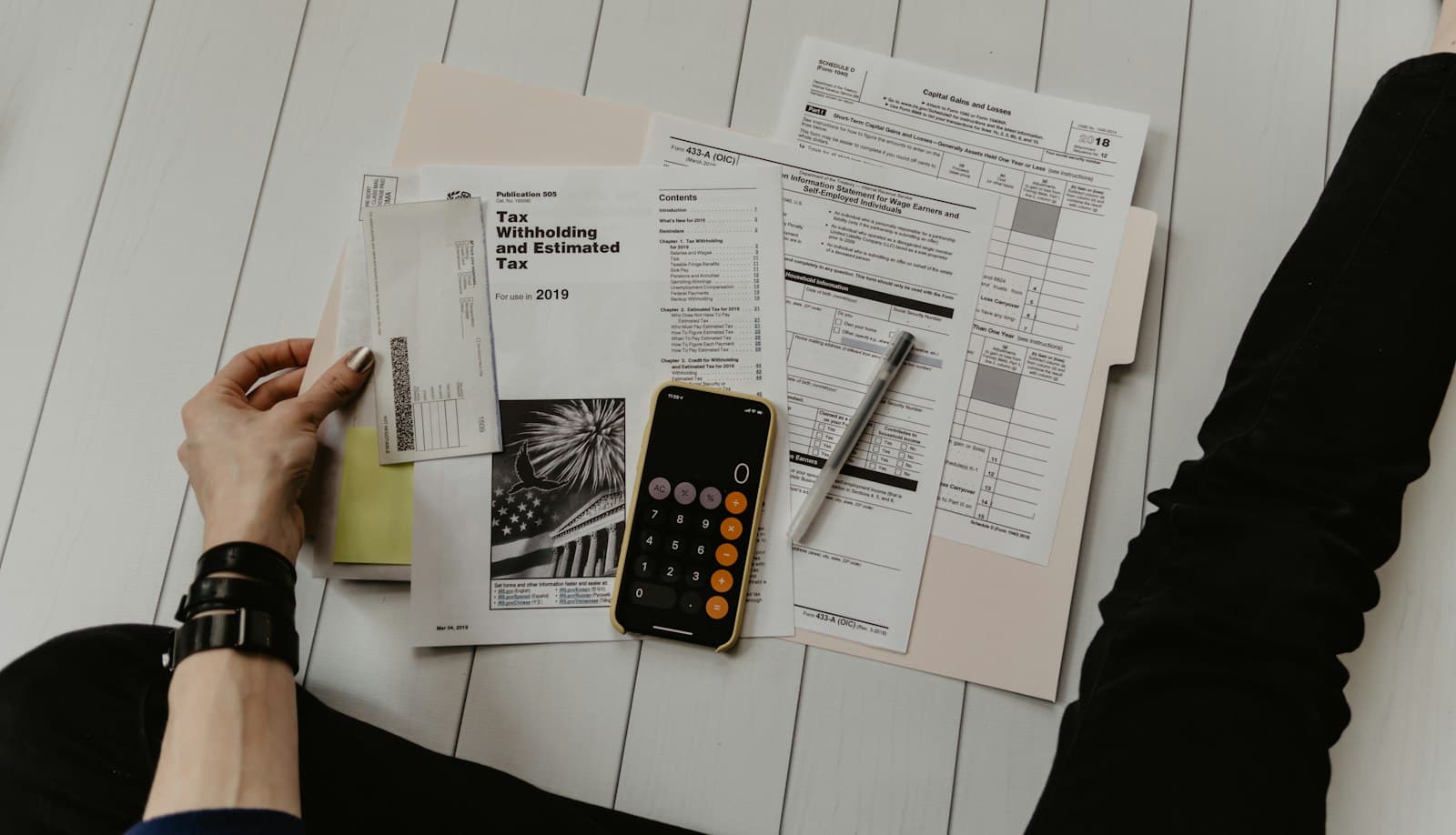
Subscriptions & Buying5 min read
Buy IPTV Subscription Checklist: What to Confirm Before You Pay
Buying an IPTV subscription takes minutes; buying the right one safely takes a checklist. Here is what to confirm before you pay.
By CatchON TV Team
When you are ready to buy an IPTV subscription, it is tempting to click the first button and start watching. A few minutes of checking beforehand, though, prevents most of the problems people report afterwards: the wrong number of devices, unclear refund terms, a payment method they were uncomfortable with or a TV that turns out not to support any suitable app. Before you buy IPTV subscription access from anyone, run through the checklist below.
This checklist covers what to confirm before you buy, and how to pay safely. It works for any provider, including CatchON TV.
Part 1: the plan
Duration
Decide how long you want. A shorter plan suits first-time buyers who want to test real-world viewing; a longer plan usually lowers the monthly cost once you are confident. Our guide to 12-month IPTV subscriptions looks at the trade-offs of committing for a year.
Number of devices
Count screens used at the same time during your busiest period. That is your device number.
Exact price
Find the price for that exact combination. At CatchON TV, all combinations are listed on the pricing page, from $19.99 for one device for one month to $359.99 for five devices for 24 months.
Part 2: the provider
- Can you reach someone before paying? Send a question and judge the reply.
- Are claims realistic? Avoid providers promising zero buffering or every channel.
- Are policies available? Terms, privacy and refund information should be published or provided on request.
Our guide to trust signals for IPTV providers covers this in more depth.
Part 3: payment
Which options are available?
Ask which payment methods the provider accepts before you commit. CatchON TV confirms payment options with you directly when you subscribe; we do not list methods that have not been confirmed.
Paying safely
- Prefer payment methods that offer their own dispute or protection processes, and check with your bank or payment provider about what applies.
- Never send account passwords, card PINs or one-time security codes to anyone.
- Keep a record of the payment and the plan you bought.
- Be cautious if asked to pay through unusual routes that you cannot trace.
Refund terms
Ask what happens if the service does not work for you, and keep the answer in writing. CatchON TV asks customers to contact us before subscribing for current refund terms.
Part 4: your devices
Confirm a compatible player exists for each device you will use, and install it in advance if you can. Note any device limitations — Roku, for instance, does not allow sideloading of third-party apps. CatchON TV confirms iPhone and iPad; for other devices, check compatibility or ask us. Not sure whether you need to buy a device at all? See what you are actually buying with IPTV.
Part 5: your internet
Make sure your connection can handle the number and quality of streams you plan to watch, and check for data caps. A wired connection for the main TV is a good idea.
Part 6: after payment
Know what happens next: how activation works, how you will receive your account details and who helps you set up. At CatchON TV, you choose a plan and tap "Subscribe Now", complete the contact form and continue in WhatsApp; after activation, you receive account details and setup instructions. See how it works.
A pre-purchase message you can copy
Many buyers find it easiest to ask everything in one message. You can adapt this template for any provider:
A good provider will answer each part specifically. If the reply skips the payment or refund questions, ask again — those answers matter before you pay. You can send this message to CatchON TV through our contact form, which opens WhatsApp with your message ready to send.
Right after you pay
The minutes after payment set up the rest of your subscription:
- Save your payment confirmation and a note of the plan, devices and dates.
- Store your account details privately once they arrive — a password manager or secure note works well.
- Set a renewal reminder a week before the end date.
- Set up your main device first, then the others one by one.
- Test your must-have channels that evening, at your usual viewing time.
- Ask questions early. If anything does not work, contact support while the setup is fresh.
The full checklist
| # | Check | Done? |
|---|---|---|
| 1 | Duration chosen | |
| 2 | Devices counted for busiest moment | |
| 3 | Exact price confirmed | |
| 4 | Pre-sale question answered well | |
| 5 | Claims realistic | |
| 6 | Terms and privacy available | |
| 7 | Payment options confirmed | |
| 8 | Refund terms in writing | |
| 9 | Player available for each device | |
| 10 | Internet speed and data cap checked | |
| 11 | Activation process understood | |
| 12 | Payment record saved |
Red flags at the point of purchase
- Pressure to pay immediately
- Requests for passwords or security codes
- Prices that change during the conversation
- Refusal to explain refund terms
- Payment routes you cannot identify or trace
If you see any of these, pause before paying.
Questions about buying an IPTV subscription
What should I confirm before I buy an IPTV subscription?
The exact plan and price, payment options, refund terms, device compatibility, your internet capacity and how activation works.
Is it safe to share card details with an IPTV provider?
Only share payment details through a method you trust and can trace, and never share passwords, PINs or one-time security codes.
Should I buy a long plan straight away?
If you are new to a provider, a shorter plan lets you test real viewing first. Once you are confident, a longer plan usually lowers the monthly cost.
Buy with confidence
Buying an IPTV subscription is quick; buying the right one safely takes a checklist. Confirm the plan, the provider, the payment and refund terms, your devices and your internet — then pay through a route you trust. When you are ready, see CatchON TV plans or contact us with your questions first.