Devices & Setup1 min read
How to Watch CatchON TV on iPhone and iPad
iPhone and iPad are supported devices for CatchON TV. Here's what you need and how the setup process works.
By CatchON TV Team
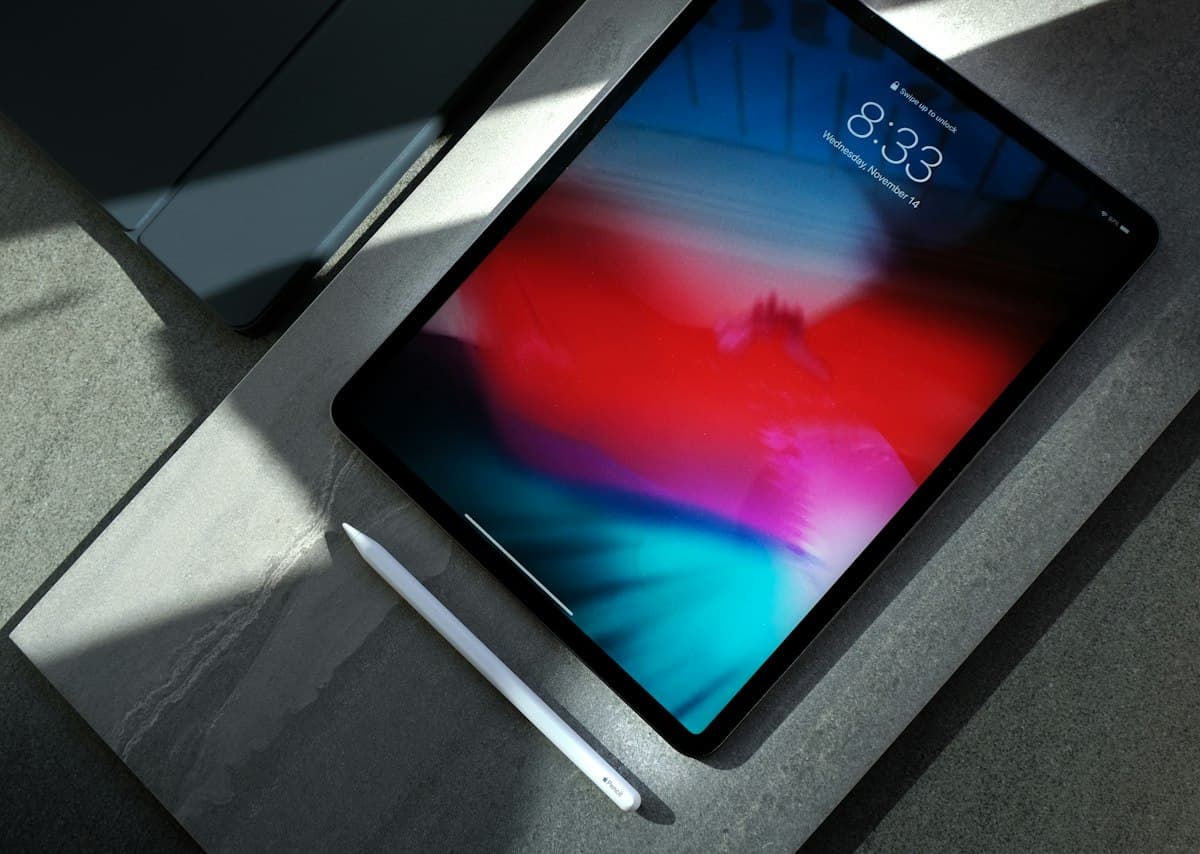
iPhone and iPad are supported devices for CatchON TV, which makes them a convenient way to watch live TV, movies, series and sports at home or on the go.
What you need
- An iPhone or iPad with an up-to-date version of iOS or iPadOS
- A compatible IPTV player app from the App Store
- An active CatchON TV subscription
- A stable Wi-Fi or mobile data connection
Setup overview
- Subscribe to a plan via the Pricing page.
- After activation, you receive your account details and setup instructions from our team.
- Install a compatible IPTV player from the App Store. If you're unsure which one to use, ask us on WhatsApp.
- Enter the details you received into the player, following the instructions we send you.
- Open the live TV, movies or series section and start watching.
Tips for smooth playback
- Use Wi-Fi where possible, especially for Full HD or 4K content where available.
- Keep your player app updated.
- If playback stops, close and reopen the app, then check your connection.
- Still having trouble? Message our team on WhatsApp with your device model and the app you use.
Frequently asked questions
Can I use CatchON TV on both my iPhone and iPad?
Yes, if your plan covers enough devices. Plans are available for 1 to 5 devices — choose a plan that matches the number of devices you want to use.
Which IPTV player should I use on iPhone?
Several IPTV players are available on the App Store. Availability can change, so message us on WhatsApp and we will suggest an option for your setup.