IPTV in the USA5 min read
IPTV Providers in US Homes: Why Your Internet Connection Matters
The US internet landscape ranges from multi-gigabit fibre to rural satellite. Here is how your connection type, speed tier and any data cap affect IPTV.
By CatchON TV Team
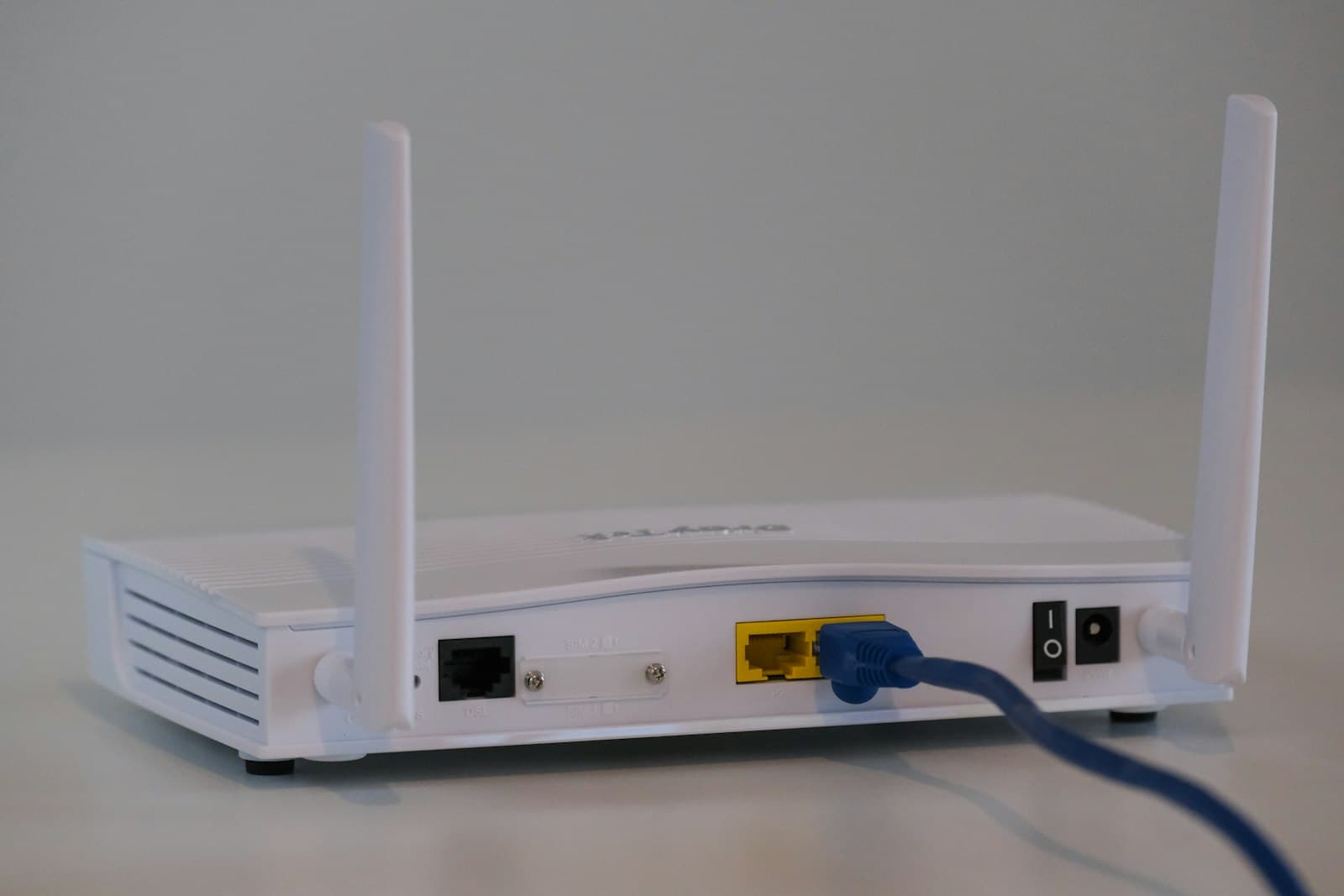
When Americans compare IPTV providers in the US, they usually compare channels and prices. The factor that decides how those channels actually look, though, is often the home internet connection. The US internet landscape is unusually varied: fibre in some neighbourhoods, cable in many, DSL in others, fixed wireless and 5G home internet in growing areas and satellite in remote places. Speed tiers and data caps vary too. That variety shapes how well IPTV providers in US homes can perform.
This guide explains how your US internet connection affects IPTV and what to check before and after subscribing. For general Wi-Fi tips that apply anywhere, see our guide to smooth IPTV streaming at home.
Why the connection comes first
IPTV streams live video continuously. Your connection needs enough speed for every simultaneous stream and enough stability to avoid drops. It also needs enough monthly data allowance if your plan has a cap. Any IPTV provider depends on those three factors at your end.
Connection types across the US
Fibre
Often the best option for IPTV where available: high speeds, similar upload and download speeds and consistent performance. Fibre availability varies widely by neighbourhood.
Cable internet
Widely available in US towns and cities, with high download speeds. Performance can dip at peak times if the local network is busy, since capacity is shared among nearby customers.
DSL
Runs over telephone lines. Speeds depend heavily on distance from the provider's equipment; lower tiers may handle one HD stream but struggle with several streams or 4K.
Fixed wireless and 5G home internet
Growing options that can work well for streaming when signal is strong. Performance can vary with signal conditions, location in the home and network load.
Satellite internet
Serves many rural areas. Newer low-orbit services have improved speeds and latency, but performance and data policies vary. Traditional geostationary satellite service has high latency and often strict data limits, which can make live streaming harder.
Speed tiers: what is enough?
Add up the streams you run at the same time:
| Household scenario | Rough guide |
|---|---|
| One HD stream | A connection comfortably above 10 Mbps |
| Two or three HD streams | 25–50 Mbps or more |
| One 4K stream plus other use | 50 Mbps or more is comfortable |
| Several 4K streams | Significantly more headroom |
These figures are rough guidance — actual bitrates vary by channel and service — and they assume the connection is stable. Leave room for everything else your household does online.
Data caps
Some US internet plans include monthly data caps, with extra charges or reduced speeds if you exceed them. IPTV uses a lot of data: an HD stream can use a few gigabytes per hour, and 4K considerably more.
What to do:
- Check whether your plan has a cap and how much it is.
- Look at your usage in your ISP's account page.
- Estimate IPTV usage: hours per day × streams × quality.
- Lower quality on secondary screens if you are close to a cap.
- Consider an uncapped plan if you stream heavily.
A worked data-cap example
Suppose — purely as an illustrative assumption — that an HD stream uses about 3 GB per hour and a 4K stream about 7 GB per hour. Actual figures vary by channel and service, but the arithmetic shows how quickly usage adds up.
| Viewing pattern | Estimated monthly data |
|---|---|
| 1 HD stream, 3 hours a day | About 270 GB (3 × 3 × 30) |
| 2 HD streams, 3 hours a day each | About 540 GB |
| 1 4K stream, 2 hours a day | About 420 GB (7 × 2 × 30) |
| Mixed: 1 4K stream 2 h + 2 HD streams 2 h | About 780 GB |
Now add everything else your household does online — video calls, gaming, downloads, other streaming — and compare the total with your cap. If you are close, lowering quality on secondary screens often brings usage down substantially without affecting the main TV.
Peak-time congestion
Evenings are the busiest time for home internet in the US. On shared networks, speeds can dip when the whole neighbourhood is streaming. If every streaming app in your home slows down at the same time each evening, your ISP's local network may be the bottleneck rather than your IPTV provider. Our guide to who is responsible for what in the IPTV chain helps you work out which link is struggling.
Getting the most from your connection
- Wire the main TV with Ethernet if possible.
- Use a modern router, and consider mesh Wi-Fi in larger homes.
- Place the router centrally, not in a closet or basement corner.
- Pause large downloads during important live events.
- Test on the streaming device itself, not just your phone.
Choosing quality to match your connection
If your connection is modest, choose HD rather than 4K for most channels, and reserve 4K where available for the main TV at quieter times. A smooth HD picture is more enjoyable than a 4K picture that keeps buffering.
Where your IPTV provider fits
An IPTV provider controls its own servers and streams. It cannot control your ISP's network, your data cap or your Wi-Fi. A good provider helps you diagnose where a problem lies. CatchON TV offers HD, Full HD and 4K where available; you can ask our team which quality makes sense for your connection, and see plans in USD.
Questions about US internet for IPTV
Is fibre internet necessary for IPTV in the US?
No. Cable, DSL and wireless connections can all work if they provide enough stable speed for your streams. Fibre simply tends to offer the most headroom and consistency.
How much data does IPTV use per month?
It depends on hours watched, the number of simultaneous streams and quality. HD uses a few gigabytes per hour and 4K much more, so heavy viewing can use hundreds of gigabytes monthly.
Why does IPTV slow down in the evening?
Evening is peak time on many US networks. If all streaming apps slow at the same time, local network congestion is a likely cause.
Can satellite internet handle IPTV?
Newer low-orbit services can work for streaming in many cases, while traditional satellite with high latency and strict data limits can struggle. Check your plan's speed, latency and data policy.
Strong at home, smooth on screen
IPTV providers in the US all rely on your home internet to finish the job. Know your connection type, match quality to your speed tier, watch any data cap and strengthen your home network. With those in place, any good IPTV service will look its best.