Apps & Players5 min read
Choosing the Best IPTV App for Your Phone or Tablet
Watching IPTV on a phone or tablet brings its own priorities — touch controls, battery life, mobile data and casting. Here is how to choose an app that handles them well.
By CatchON TV Team
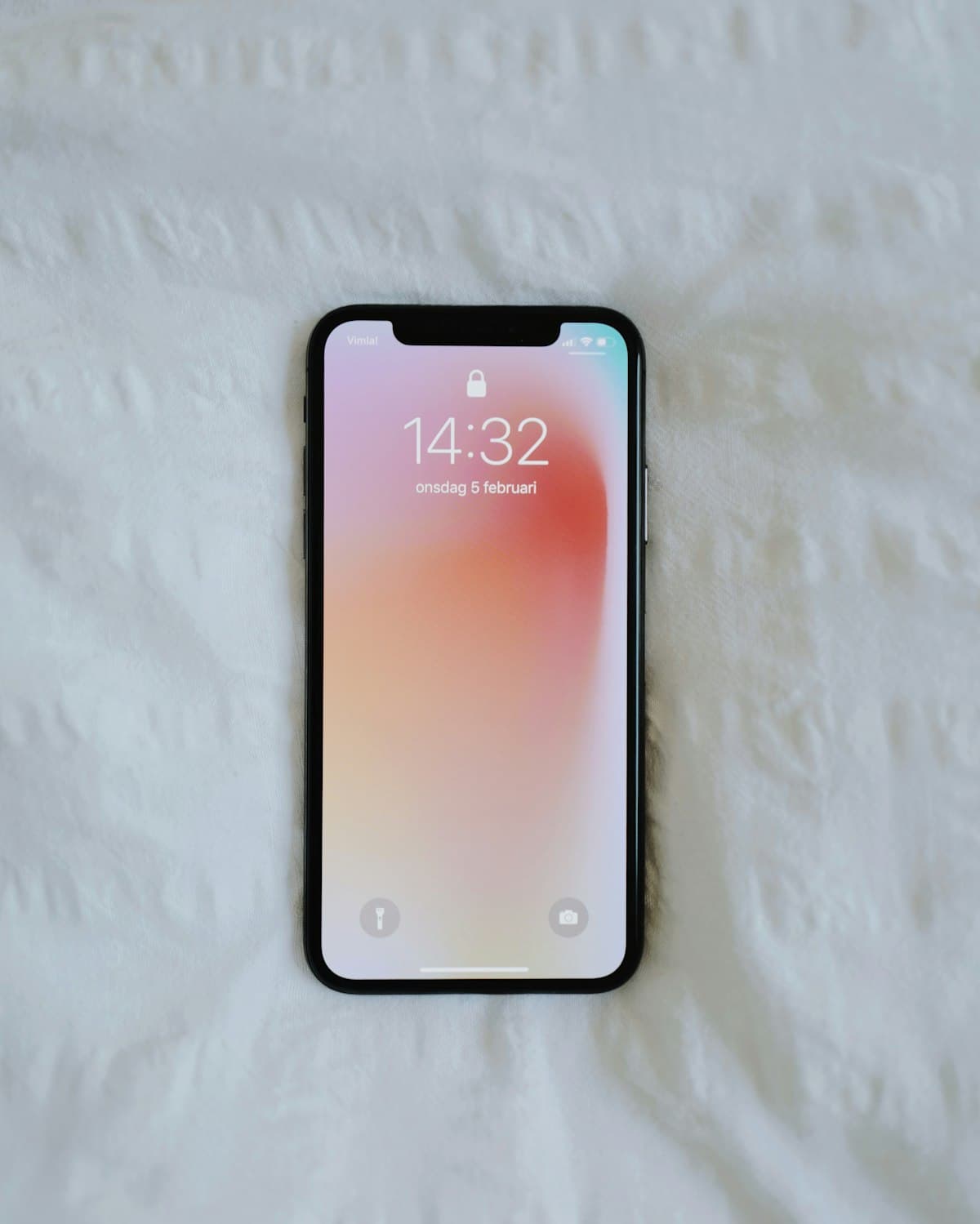
Phones and tablets have become some of the most-used screens for TV. They are personal, portable and always within reach — perfect for catching the news in bed, following a match in the kitchen or keeping children entertained on a long journey. But mobile viewing has different priorities from a living-room TV, so the best IPTV app for a phone or tablet is not necessarily the one that shines on a big screen.
This guide covers the features that matter most on mobile and how to test an app before settling on it. For TV screens, see our separate guide to choosing a big-screen IPTV player.
Why mobile needs its own criteria
On a phone or tablet you use touch rather than a remote, you may be on mobile data instead of Wi-Fi, battery life matters, and you often want to watch while doing something else. An app that handles these well feels effortless; one that ignores them feels clumsy even if its feature list is long.
Criterion 1: touch-friendly navigation
Look for large tap targets, swipe gestures that make sense and a guide that is readable on a small screen. You should be able to switch channels, open the guide and return to your favourites without hunting through menus.
Criterion 2: a readable mobile guide
A grid guide that works well on a 65-inch TV can be cramped on a phone. The best mobile apps adapt: a compact list of what is on now and next, with the option to open a fuller view on a tablet.
Criterion 3: picture-in-picture and background audio
Picture-in-picture (PiP) lets you keep a small video window open while you use other apps. It is especially useful for sport and news. Support depends on both the operating system and the app, so check whether your chosen app offers it.
Criterion 4: casting and AirPlay
Many people start watching on a phone and then want to move the picture to a TV. Casting (on Android) and AirPlay (on Apple devices) make that possible when the app and the receiving device support it. It is a convenient bridge, though a dedicated TV app usually gives a smoother big-screen experience.
Criterion 5: data and quality controls
On mobile data, streaming at high quality can use a lot of your allowance. Look for apps that let you choose quality or that adapt to your connection. On Wi-Fi at home you can raise quality again.
Criterion 6: battery and heat
Video playback is demanding. Efficient apps use the device's hardware decoder, which saves battery and reduces heat compared with software decoding. If your phone gets hot or drains quickly during playback, check the app's decoder settings.
Criterion 7: on-demand support and resume
If your service includes movies and series, the app should show them clearly and remember where you stopped — ideal for watching an episode in several short sessions.
Criterion 8: parental controls
Tablets are often shared with children. Parental controls — such as PIN-protecting certain categories — help keep viewing appropriate.
iPhone and iPad
On Apple devices, IPTV apps come from the App Store. Look for apps that support the login method your service uses, a clear guide, on-demand sections, PiP and AirPlay. iPhone and iPad are confirmed devices for CatchON TV, and our step-by-step guide to watching CatchON TV on iPhone and iPad walks through setup.
Android phones and tablets
Android offers a wider choice of apps through Google Play. The same criteria apply, and many Android apps also include casting. For Android-specific setup tips, see our guide to IPTV apps on Android phones and tablets.
A mobile scoring sheet
| Criterion | Why it matters on mobile | Score (1–5) |
|---|---|---|
| Touch navigation | You use fingers, not a remote | |
| Mobile guide layout | Small screens need compact views | |
| Picture-in-picture | Watch while multitasking | |
| Casting / AirPlay | Move the picture to a TV | |
| Quality controls | Protect your mobile data | |
| Battery efficiency | Longer viewing sessions | |
| On-demand and resume | Watch in short sessions | |
| Parental controls | Shared family tablets |
A ten-minute test
- Install the app from the official store and enter your details.
- Browse the guide in portrait and landscape.
- Switch between five channels and time each start.
- Try picture-in-picture while opening another app.
- Cast or AirPlay to a TV if you plan to.
- Watch an on-demand title, close the app and check it resumes.
- Note battery drop and warmth after twenty minutes.
Common mobile mistakes
- Streaming at maximum quality on mobile data. A phone screen rarely needs the highest bitrate; lowering quality saves data with little visible difference.
- Leaving the app playing in the background. A forgotten stream on a phone can use one of your plan's connections and block another device at home.
- Ignoring app updates. Mobile operating systems update frequently, and older app versions can misbehave after a system update.
- Using a general media player for daily viewing. It may open a playlist, but it rarely offers a proper guide, favourites or on-demand sections.
- Judging the app on weak Wi-Fi. If the signal is poor in one room, test near the router before deciding the app is at fault.
Avoiding these keeps mobile viewing smooth and ensures your connections are available when the rest of the household wants to watch.
Privacy and safety
Install apps only from official stores, keep them updated and enter your account details only into apps you trust. Never share your details with anyone outside your household.
Questions about mobile IPTV apps
Can I watch IPTV on my phone using mobile data?
Yes, if your plan allows it, but video uses a lot of data. Lowering the quality in the app or waiting for Wi-Fi helps protect your allowance.
Does picture-in-picture work in every IPTV app?
No. It depends on both your device's operating system and whether the app supports it. Check the app's features or settings.
Is it better to cast from my phone or install an app on my TV?
Casting is convenient occasionally, but a dedicated TV app usually provides smoother playback and a guide designed for the big screen.
The right app in your pocket
The best IPTV app for a phone or tablet is the one that makes touch navigation easy, respects your battery and data, and bridges to the TV when you want it to. Test it the way you actually watch. When you are ready to pair it with a service, explore CatchON TV plans or ask us which app we suggest.